Section 02
Projects
Projects are the top-level container for all your files and chat sessions. Each project maps to one survey site or dataset.
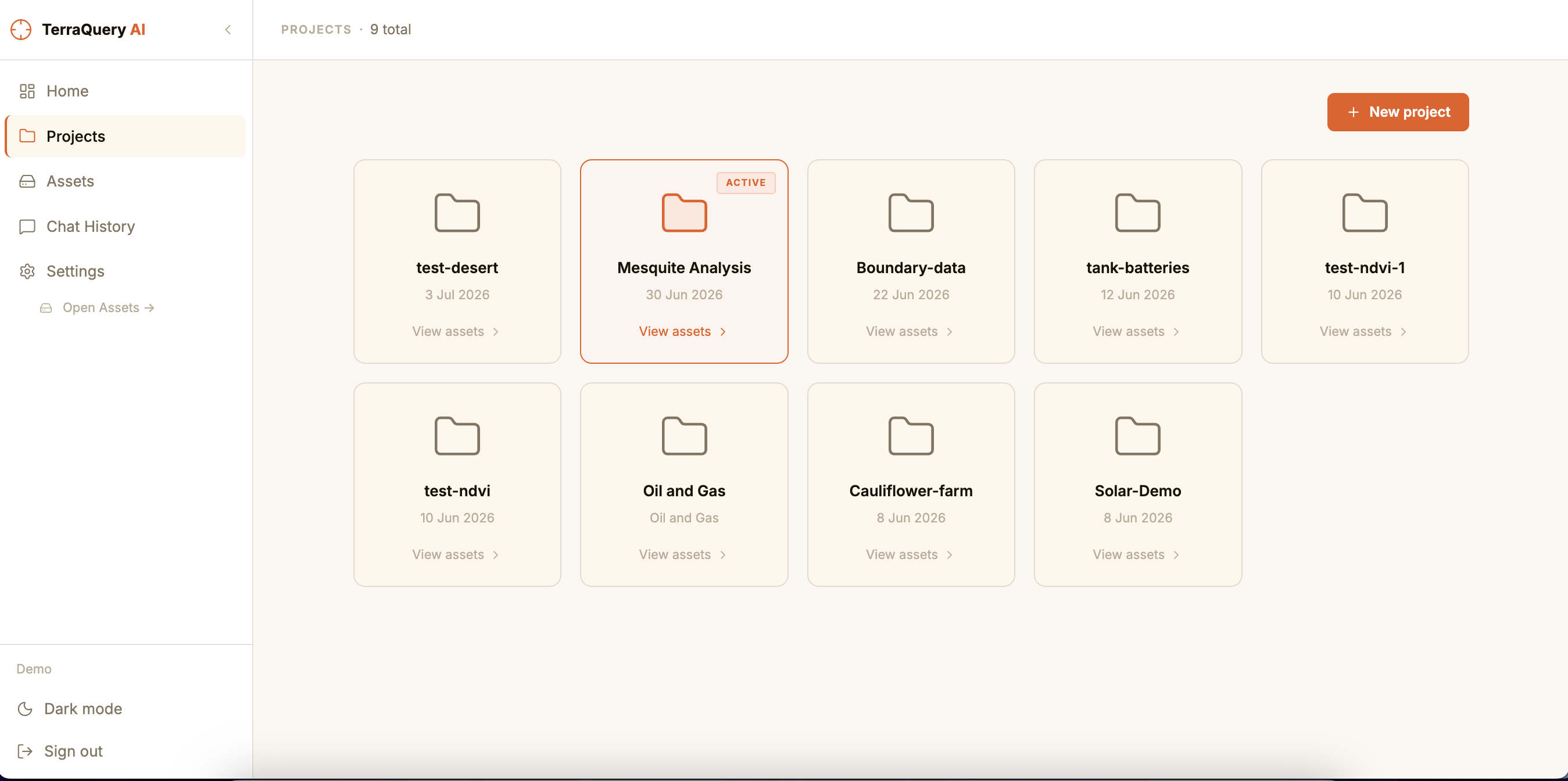
Create a project
- Click Projects in the left sidebar (or navigate to
/projects). - Click New project.
- Enter a name (required) and an optional description.
- Click Create — the project appears in the list immediately.
Open a project
Click any project card. You'll go to that project's Assets page where you can manage files.
Switch between projects
Click the project name in the sidebar at any time. The active project is shown in the top bar of the Dashboard.